
A step-by-step walkthrough of requesting a live session — from submitting the request to follow-up — and the tips that get you the best match.
Requesting a live session brings real-world expertise directly into the classroom, helping students connect what they're learning to actual careers. Whether you want to inspire students in STEAM fields, share career advice, or build employability skills, live sessions let students interact with professionals across industries. Here's what to expect.
1. Submit your session request
From the Work-Based Learning area, click Request to start.

A few tips raise your odds of a great match:
- Submit at least two weeks in advance so we have time to secure a speaker.
- Offer multiple dates and times if your schedule is flexible — it makes coordinating with a professional much easier.
- Planning several class periods or an ongoing series? Submit a separate request for each time slot.
- Include as much detail as possible — key questions and desired outcomes. Professionals are far more likely to accept a session with a clear description and specific learning goals.
- Once a professional is confirmed, session details lock; before confirmation you can freely edit dates, times, and information.
We fulfill the large majority of requests — typically a 95% or higher success rate. If we can't find a match, you'll get an email suggesting additional dates, or the session moves to your drafts to resubmit later. After submitting, you'll see an on-screen confirmation message:
.gif)
You will not receive a confirmation email, but you can always check the status of your request by going to your dashboard and clicking My Sessions. If we have any questions about your request, we'll email you.
2. Prep session (if needed)
First time requesting? Pathful recommends — but doesn't require — a short prep session so you and the presenter are ready and everything runs smoothly. Your prep session can be scheduled using this link as soon as you have submitted your session request.
3. Acceptance and confirmation
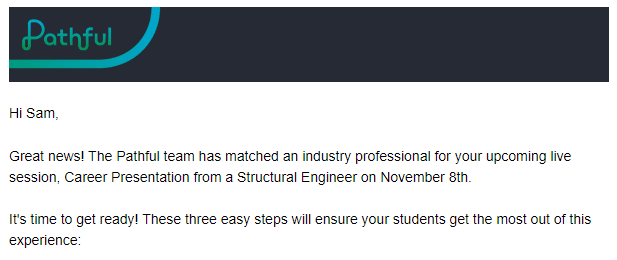
Once a professional is secured and the session is accepted, you'll get a confirmation email. If any details are missing, Pathful will reach out to you to update or correct the information.
For confirmed sessions you can message the professional directly from the session page to share documents, ask questions, and add context. This is currently done through the comments section of the session page.
4. Reminder and preparation
A reminder email goes out the day before, giving everyone time to finalize last-minute details.
5. Day of the session
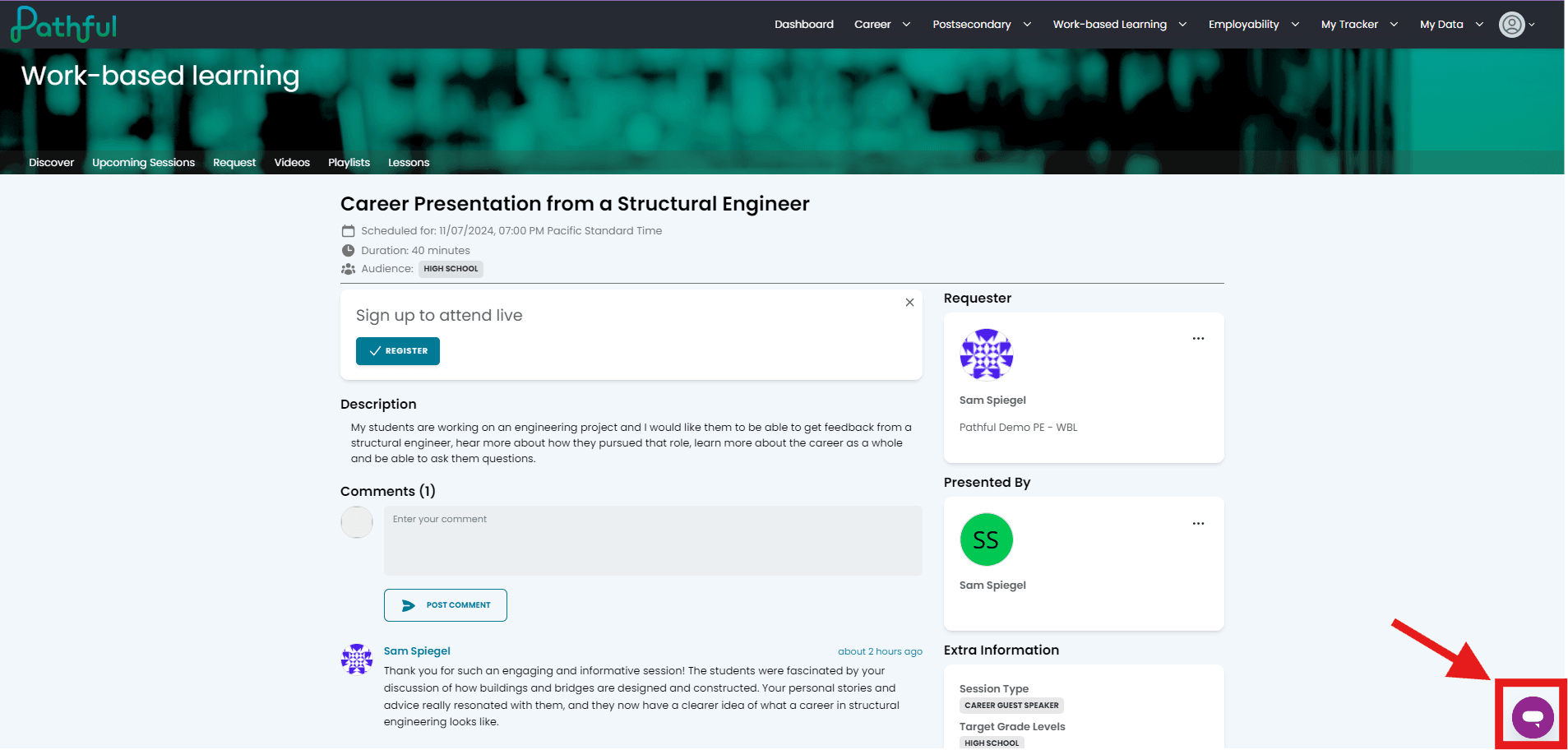
Students engage with the professional in real time — asking questions and connecting classroom lessons to real-world work. If any technical issues come up, the in-app help button in the lower right corner connects you with the Pathful team.

6. Video posted (optional)
We edit select sessions, removing any identifying information, and post them to the site — usually about two weeks later — so students can revisit the material or use it for future reference.
7. Follow-up and feedback
Afterward, Pathful follows up with a thank-you email and a short survey to keep improving future sessions.
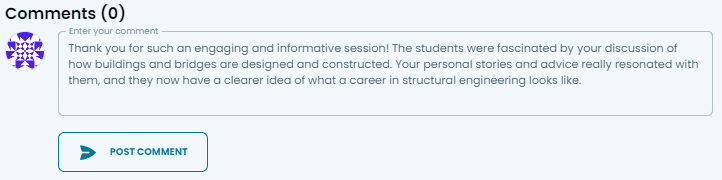
We encourage you to leave a comment on the session page thanking your industry professional and sharing the impact on your learners.
Why submit a live session request with Pathful?
Live sessions give students direct access to industry professionals — deepening their understanding of career paths, inspiring them with real stories, and building communication, networking, and problem-solving skills that prepare them for life beyond the classroom.
If you'd like more in-depth training, take a look at our Work-Based Learning or Pathful training options here. You can always contact support by clicking the purple chat icon in the bottom-right corner of your screen.
Was this article helpful?
Thanks for letting us know!

Keep exploring.
Can't find what you need?
Our support team is here to help you make the most of Pathful.